
Writer
Find the words.
From the first idea to a clearer draft. Get help with briefs, emails, and the words that matter.
A little help for the work ahead.
Write a first draft. Make sense of your documents.
Bring your assistants, conversations, and projects together on your desktop.
Meet Roy Community. Free, and made for you.
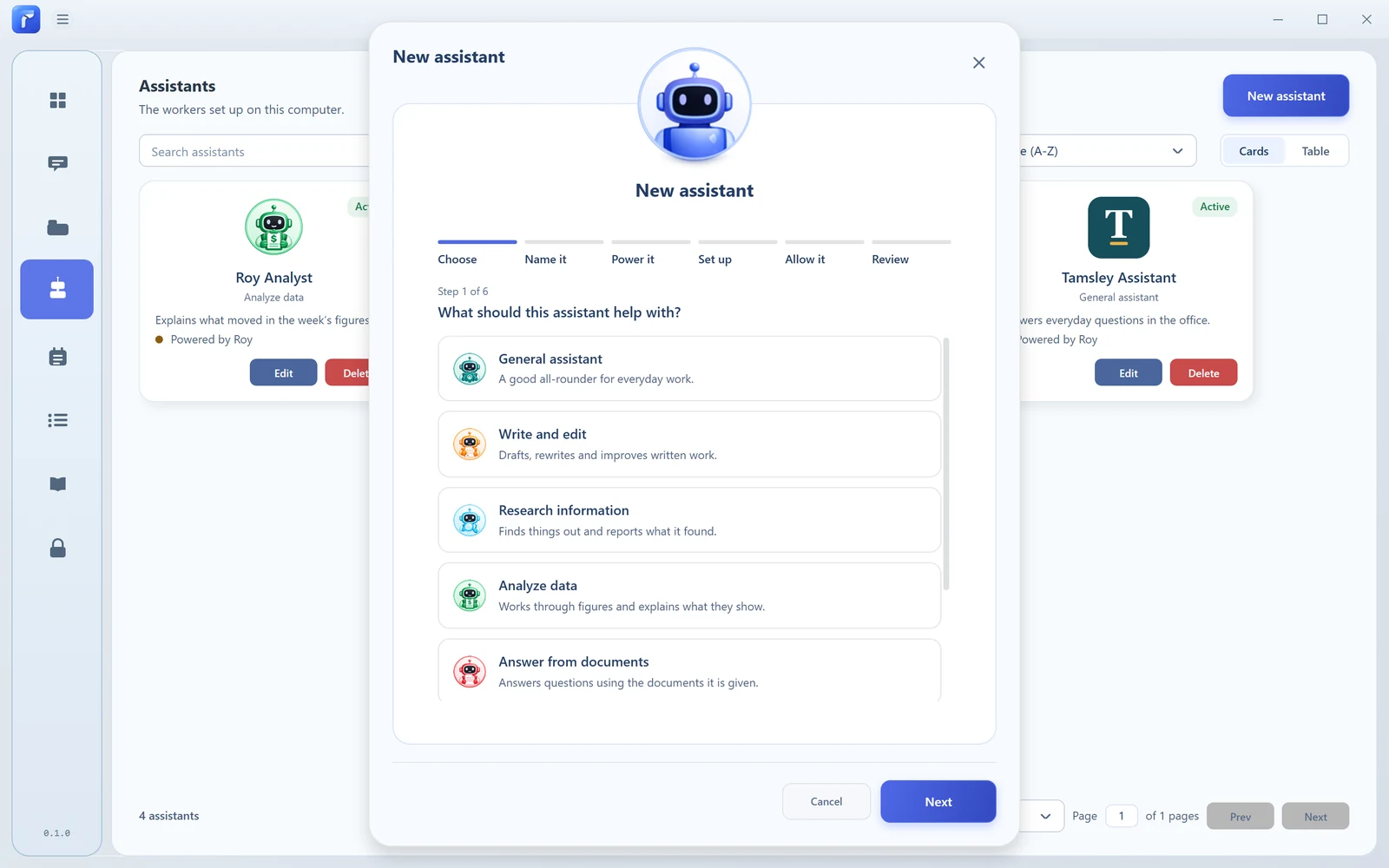
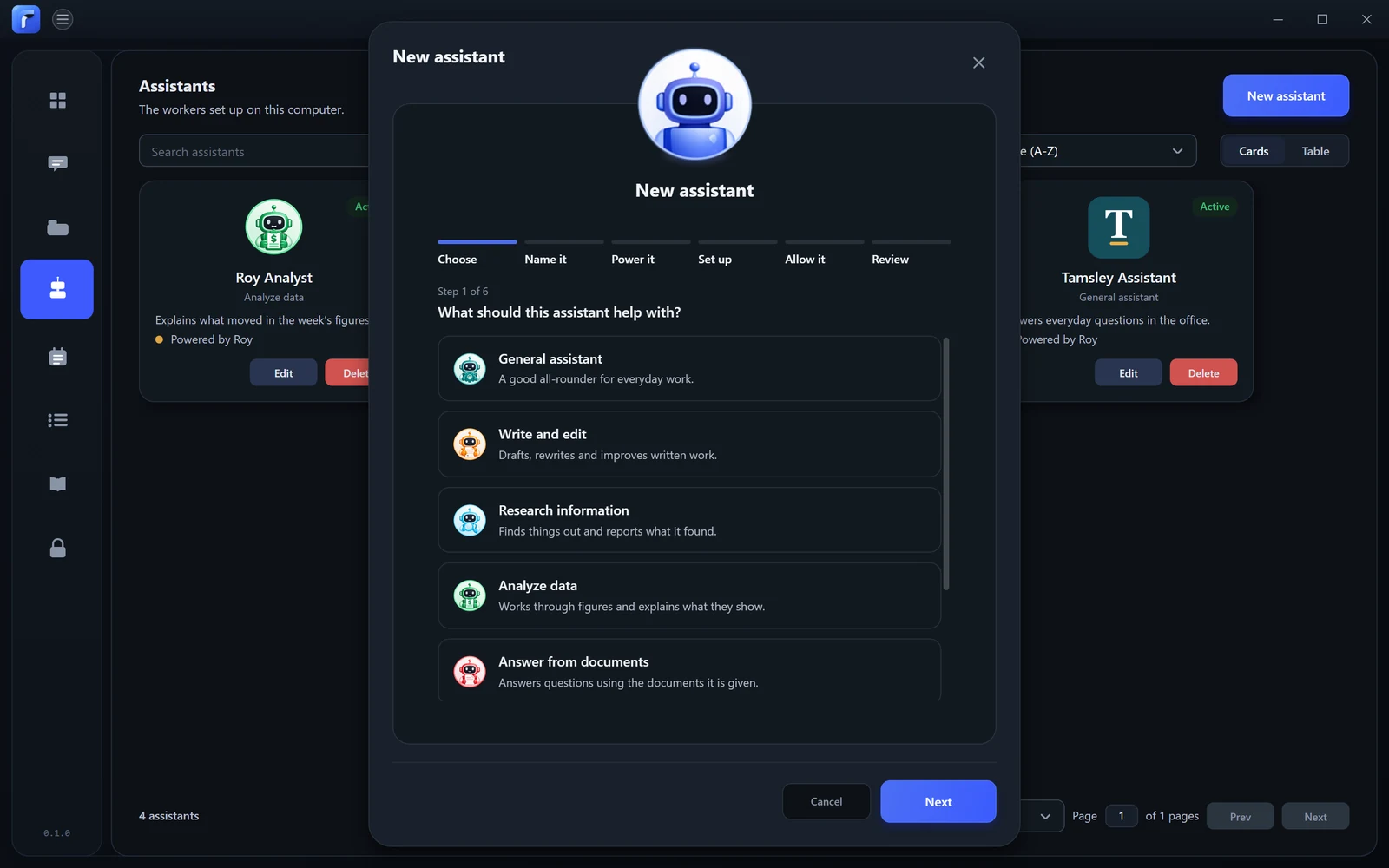
Your work. Your way.
Start with an assistant for the task.
Then make it your own.
Writer
From the first idea to a clearer draft. Get help with briefs, emails, and the words that matter.

Researcher
Explore a question, work through reference material, and find a useful place to begin.

Analyst
Work through the information in front of you. Compare ideas and give the details some attention.
Give each assistant a name, instructions, and the tools it may use.
Or start from scratch and create one of your own.
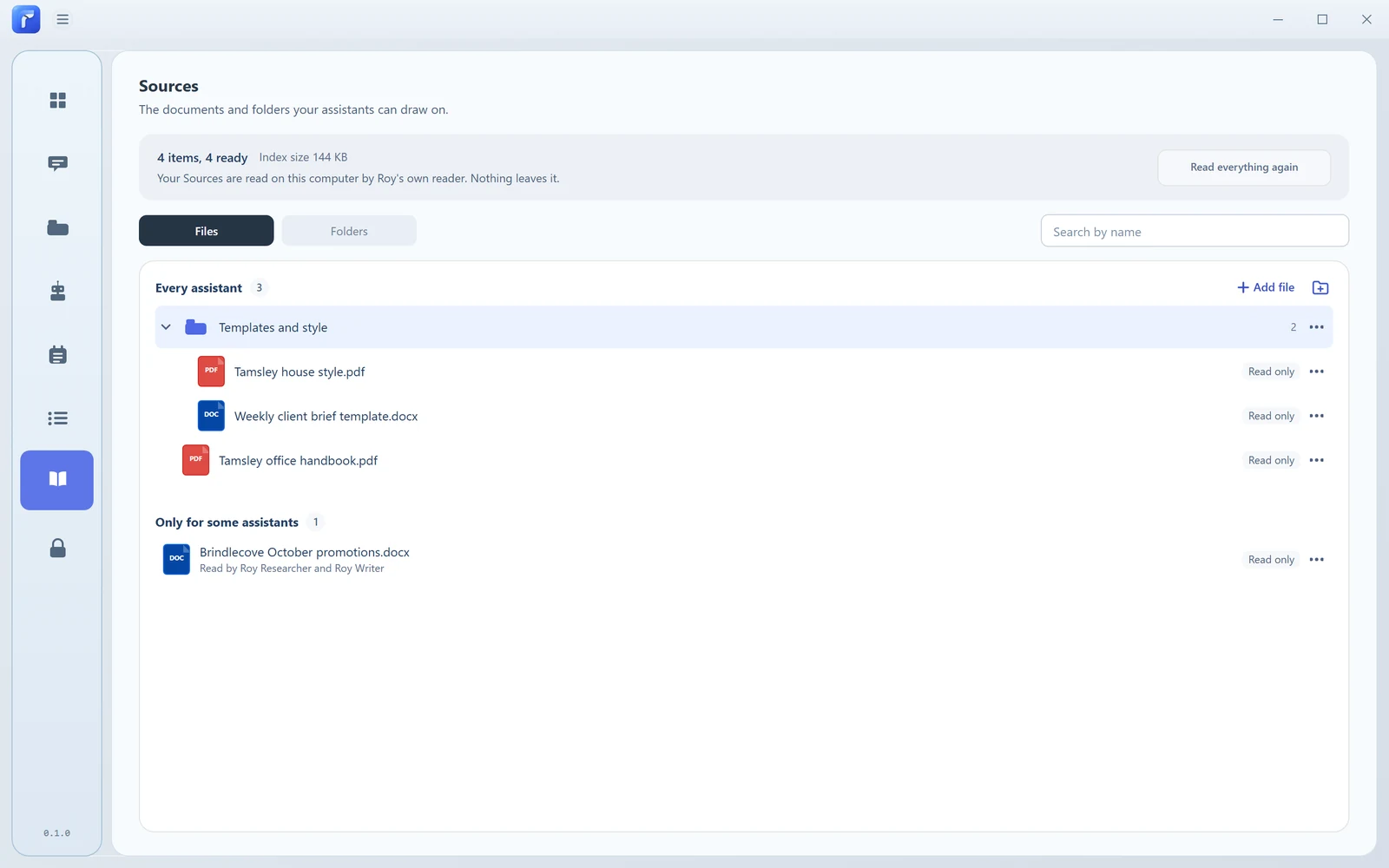
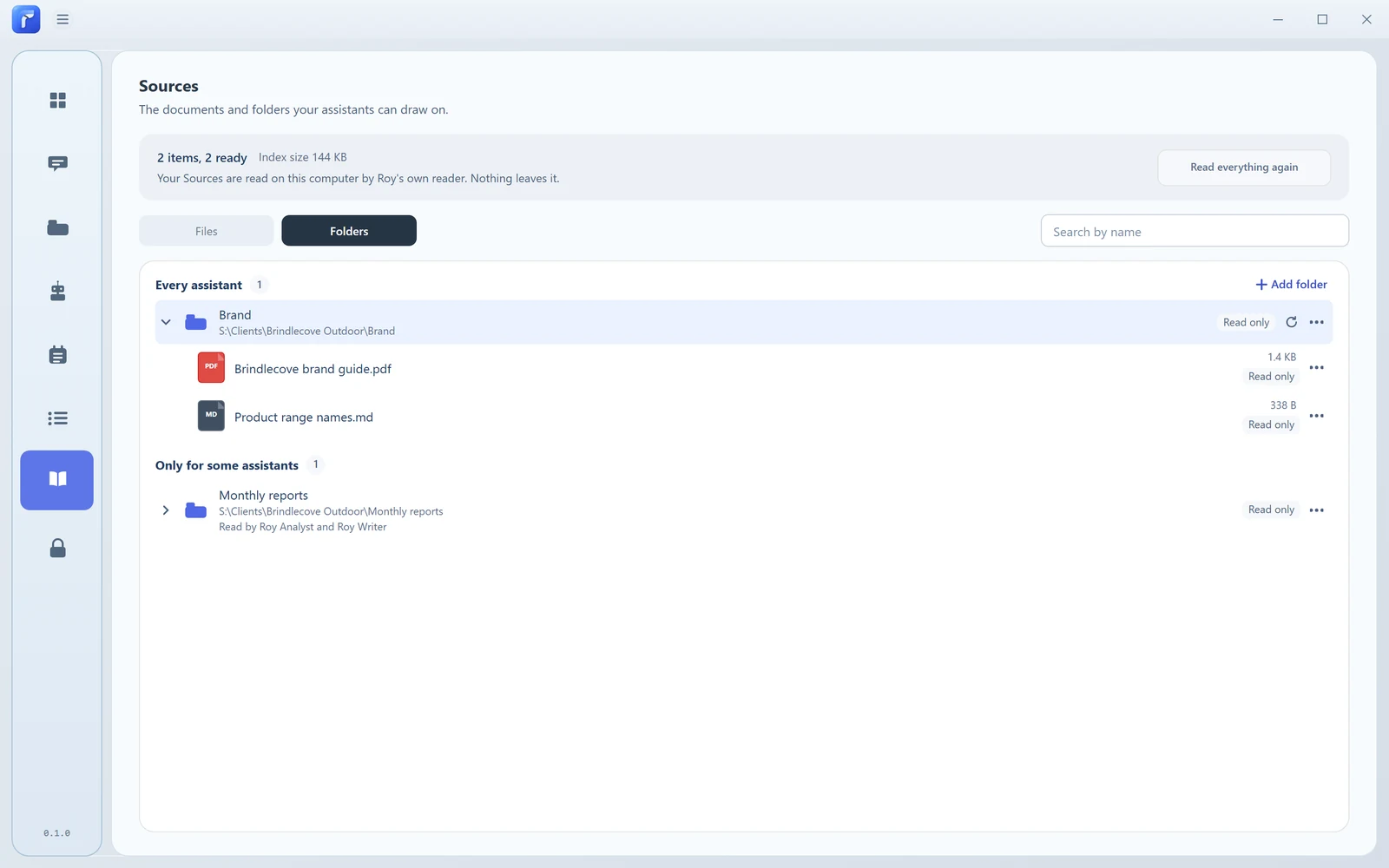
Sources
Give your assistant the files and folders it needs. Ask questions, find relevant passages, and keep your sources close to the conversation.
Roy prepares sources for search on your computer. When you use an online AI provider, relevant content can be sent to that provider.
Playbooks & Automations
Keep the steps that work.
Give recurring tasks a time.
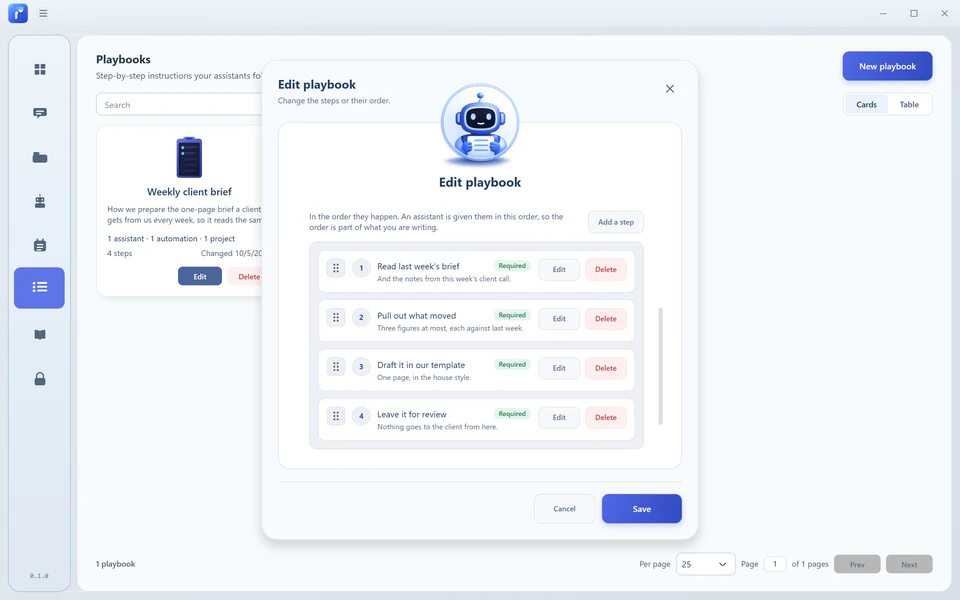
Playbooks
Write the steps once. Give your assistant a useful way to approach the same kind of work next time.
Automations
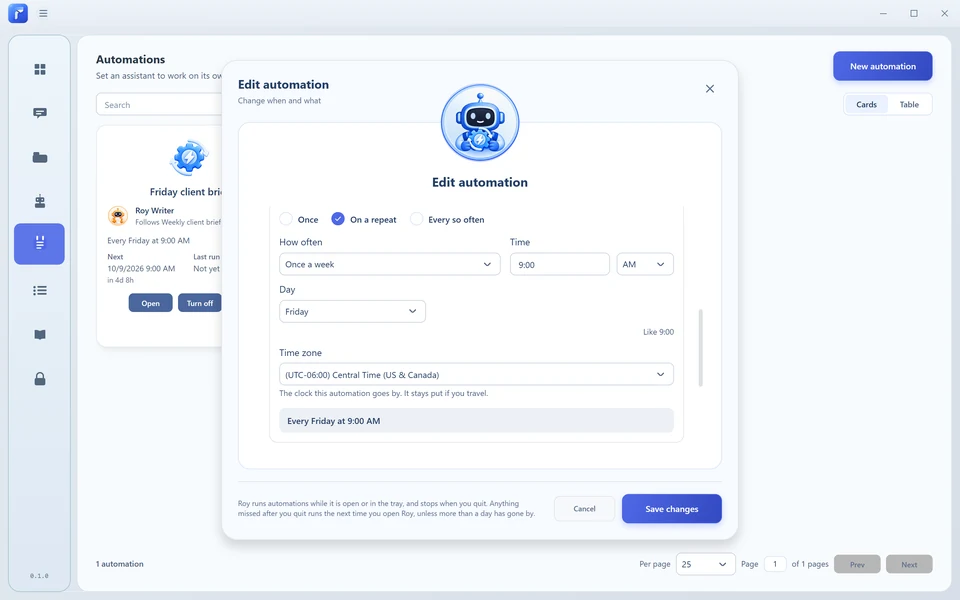
Choose an assistant, tell it what to do, and set when it should run. Check the history when you want to see the result.
Roy must be running and your computer awake.
Projects
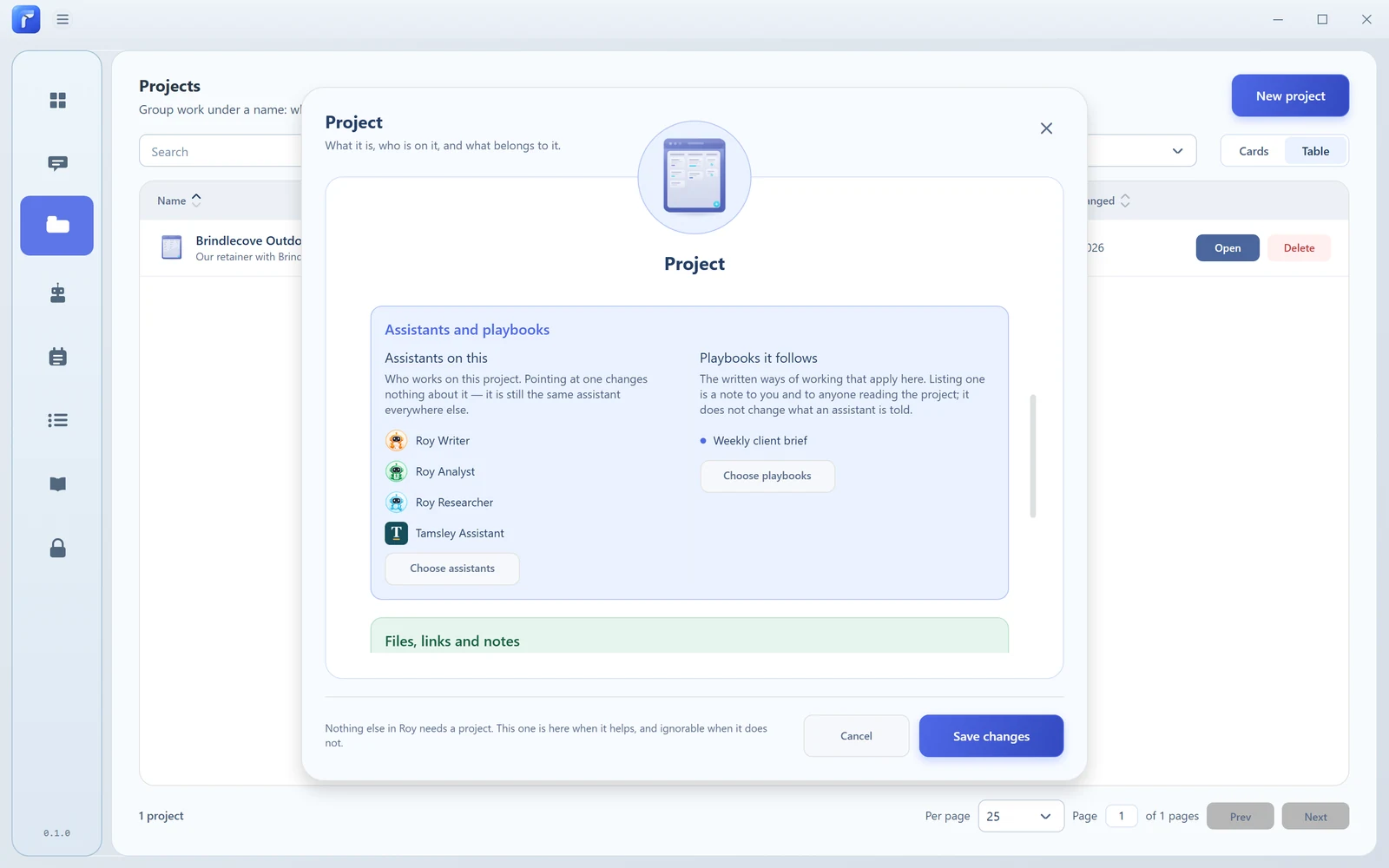
Group the assistants, playbooks, notes, files, and conversations that belong to a project. Give the work a home as it moves forward.
Bring several assistants into a conversation. Mention the one you want to hear from, follow their answers, and decide what comes next.
You're in charge
Decide which tools an assistant can use and when it should ask you first. Give it the files and folders it needs for the task.
Keep your workspace on your computer. Choose a compatible local AI or connect your own supported online provider.
A few things to know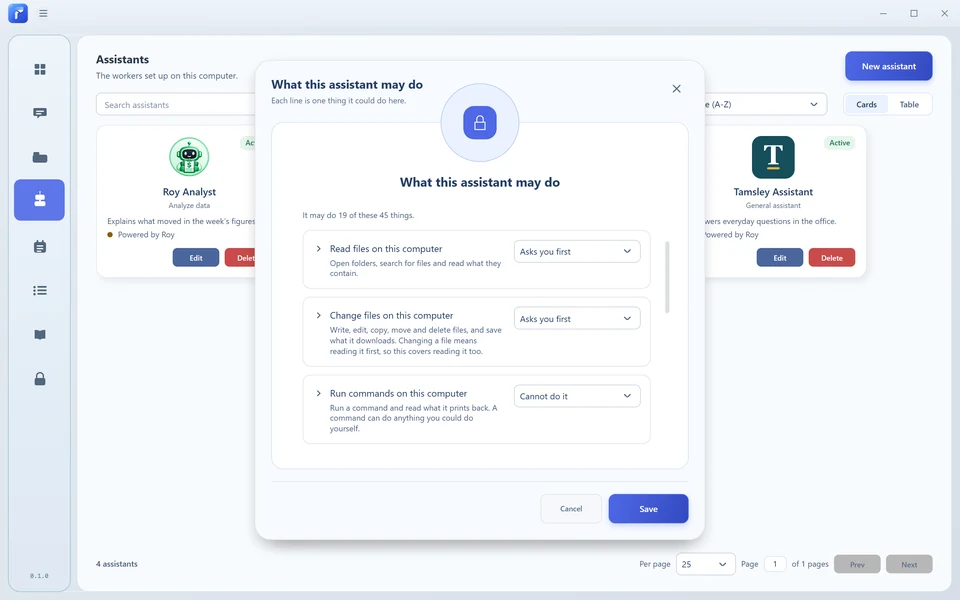
A closer look
See how Roy is set up for everyday work.
The tour opens the assistant list and creates an assistant from a template. It shows the tool permissions, then organizes local files and folders as Sources. A weekly client brief Playbook sets out four steps. An Automation chooses a day and time to run, followed by the Sources files and folders views. This tour shows setup and organization; it does not show an AI answer or a completed automation.

Roy Community
Free. Personal. Made for your everyday work.
The first release is on its way.
We're preparing Roy Community.
Download details will appear here when they're ready.
Start with a template, or shape one around your own task.
Use a compatible local AI or your own supported provider.
Ask for help. Add Sources or a Playbook when you need them.
Roy Community is free. Online AI providers may charge separately.
Local AI needs a compatible computer, required files, and initial setup.
Good questions
Yes. Roy Community is free. If you connect an online AI provider, that provider's usage charges are separate. Local AI needs suitable hardware and initial setup.
Community is designed to work without a Roy sign-in. An online provider you choose may have its own account and key requirements.
Your Roy workspace and source search index are stored locally. An assistant connected to an online provider sends the content it needs to that provider, which can include messages and relevant source material. A local assistant runs on your computer; downloads and tools that access online services still use a connection.
Local assistants can run after the required files are installed on compatible hardware. Online providers and tools that use online services need a connection.
Automations can run while Roy is open or in the tray, with your computer awake. Quitting Roy stops them.
Community is a workspace for one person. You can bring several assistants into a chat and mention the one you want to answer.
We're preparing the first Community release. Download details will appear on this website when they're ready.